

Features
Everything ImgSera can do
ImgSera is organised around purpose-built tools rather than one overloaded editor. Pick the task, adjust its settings, export.
These capabilities were verified against the ImgSera desktop application. Features that are planned but not yet implemented are not advertised on this site.
-
Convert
Move between JPG, PNG, WEBP, BMP, TIFF and PDF with quality control, presets and a real encoded-size estimate before you commit.
- Six formats, both directions JPG, PNG, WEBP, BMP, TIFF and PDF — including single-image PDF export.
- Quality control Set quality from 1–100 for JPG and WEBP, or pick a preset.
- Built-in presets Web Optimized, E-commerce Product, Email and Print starting points.
- Estimate Output Size See the real encoded size of the first selected image before exporting.
Estimate before you export
65 KB 1% smaller than the originalLossless PNG is not charted — at 228 KB for this image it would be several times larger than every bar here and leave nothing to compare.
Real encodings, produced by ImgSera’s own encoder, measured on the sample photographs it ships with. The size shown is the size it would write.
-
-
AI Enhance
Real-ESRGAN upscaling that enlarges a photo to 2× or 4× using a real neural network running on your own machine.
- 2× and 4× upscaling 2× for everyday use, 4× when you need maximum detail.
- GPU or CPU Accelerates through DirectML on a DirectX 12 GPU, and falls back to CPU automatically.
- Works offline afterwards The model is downloaded once, then every enhancement runs with the network unplugged.
- PNG output Results are written as lossless PNG so upscaling never compounds compression artifacts.
Real output — drag to compare
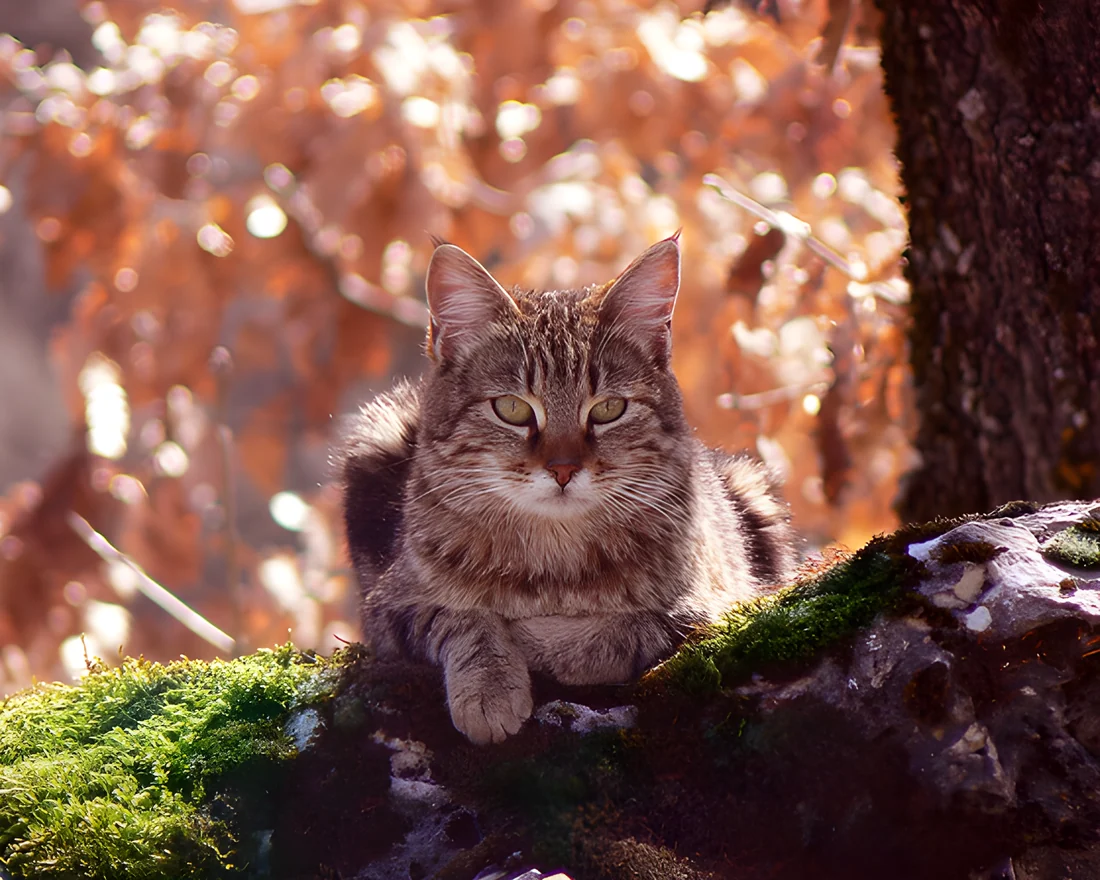
4× upscale — Real-ESRGAN 560px → 2240px, upscaled locally on GPU. 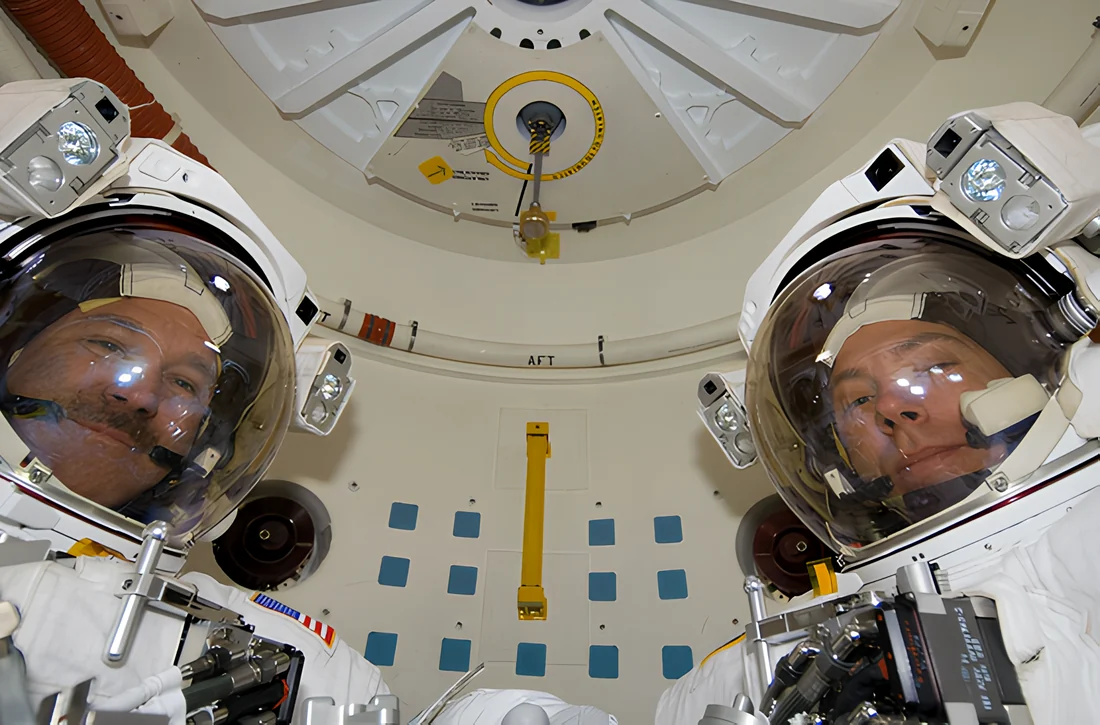
4× upscale — SwinIR A second model, so you can compare quality levels. -
-
Background Removal
U²-Net subject matting lifts your subject out of the frame with soft, refined edges — useful for product and catalogue shots.
- Subject-aware masking A real salient-object model, not a hard threshold or a chroma key.
- Three output modes Transparent PNG, solid white, or solid black background.
- Refined edges Soft matting keeps hair, fur and fabric from looking cut out.
- Runs locally The model is fetched once on request and then works offline forever.
Real output — drag to compare
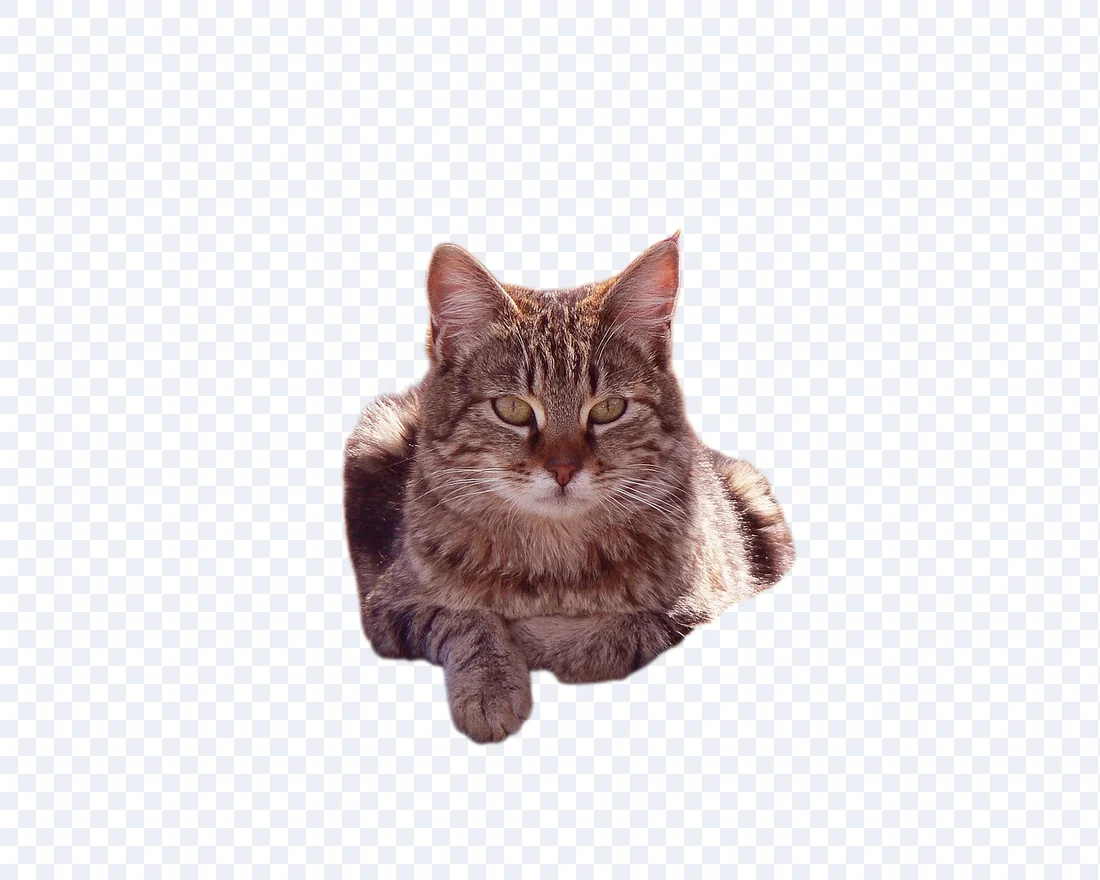
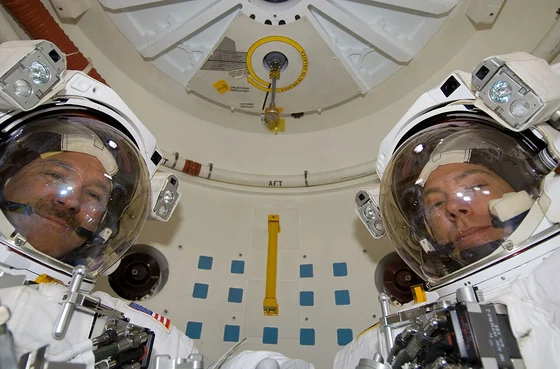
Background removal — cat Subject cut out cleanly, fur edges intact. 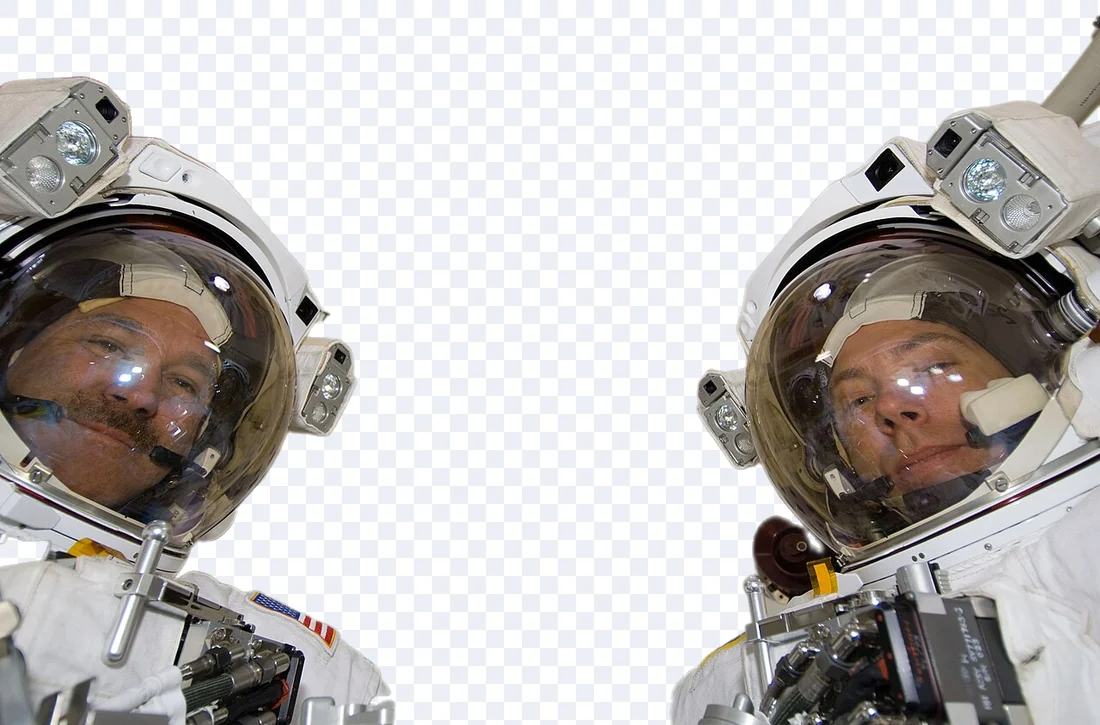
Background removal — astronaut Hard scene, helmet visors and fabric kept intact. -
-
Resize
Resize by percentage or exact pixel dimensions, with aspect-ratio protection and high-quality resampling.
- Percent or exact size Scale everything by a percentage, or pin an exact width and height.
- Aspect-ratio protection Lock the ratio so pictures never get silently stretched.
- Lanczos resampling A high-quality filter that avoids the softness of naive scaling.
- Any output format Resize and re-encode in a single pass, in the format you choose.
Pin a size, keep the shape
 800 × 534 800 × 534 50% of each edge · 25% of the pixels
The real sample photographs bundled with ImgSera, resized by a percentage or a pinned width — the exact dimension math the Resize page performs, with the ratio always preserved. The on-screen preview is scaled by your browser; the app writes true Lanczos-resampled pixels at the size shown.
-
-
Compress
Quality-targeted compression that tells you exactly how much space you saved instead of quietly re-encoding.
- Measured savings Original size, new size and percentage saved are reported per batch.
- WEBP defaults WEBP around quality 75–82 is a strong general-purpose web setting.
- Visible quality control Nudge the slider and watch the size estimate move with it.
- Batch friendly Compression runs through the same queue as every other tool.
See the trade-off yourself
 Original 65 KBCompressed 25 KB61% smaller
The usual starting point. Most people cannot tell this apart from the original at normal viewing size.
- q30 11 KB 84%
- q50 13 KB 80%
- q70 16 KB 76%
- q85 25 KB 61%
- q100 65 KB 1%
One of the sample photographs bundled with ImgSera. 1600×1067, encoded to WEBP by ImgSera. The original JPEG is 65 KB on disk.
Each step is a real WEBP encoding written by ImgSera at that quality setting — not a preview. Turn on 1:1 to see exactly where quality gives way.
-
-
PDF Studio
Build a single, well-formed PDF from many images — or pull images back out of a PDF at the resolution you need.
- Images to PDF Combine many images into one document in a page order you control.
- Page setup A4, A3, A5, Letter, Legal or original size; portrait, landscape or auto; adjustable margins and fit.
- Reorder pages Move pages up and down before you commit to the file.
- PDF to images Render PDF pages to PNG, JPEG or WEBP at 72–600 DPI.
Try the page setup
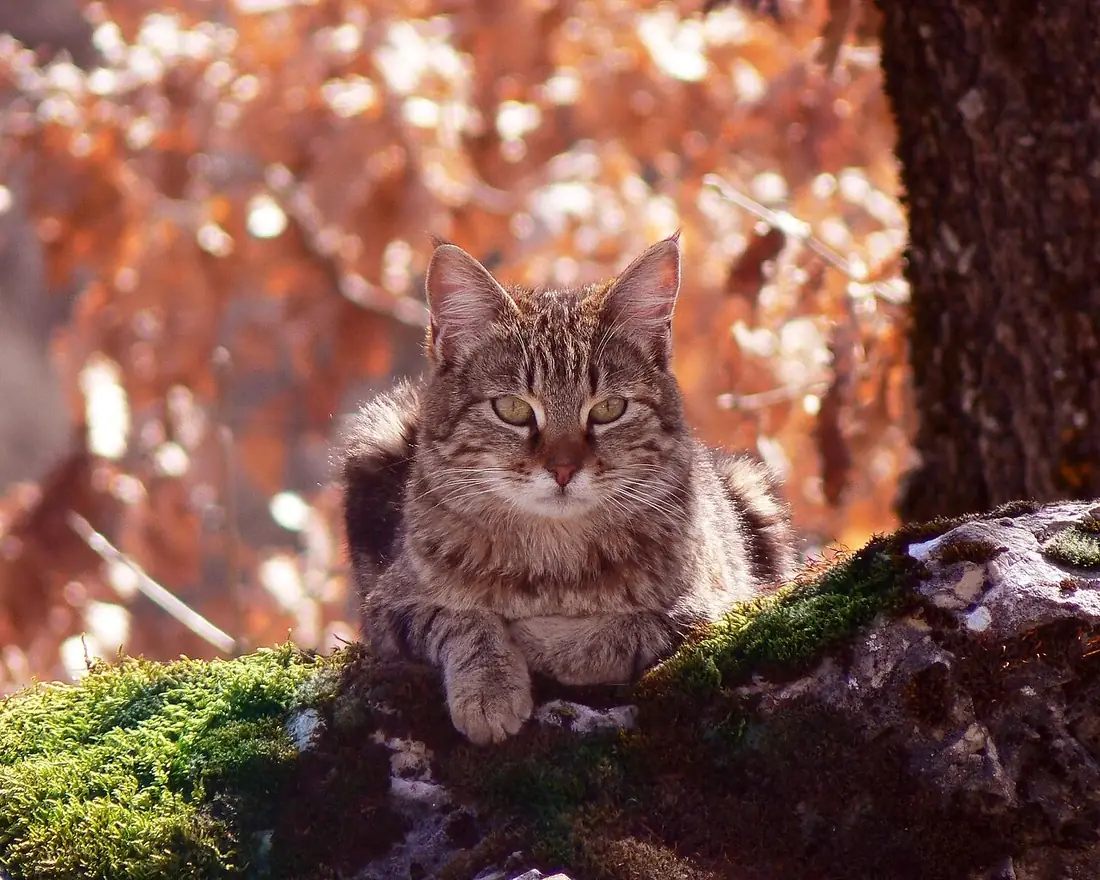
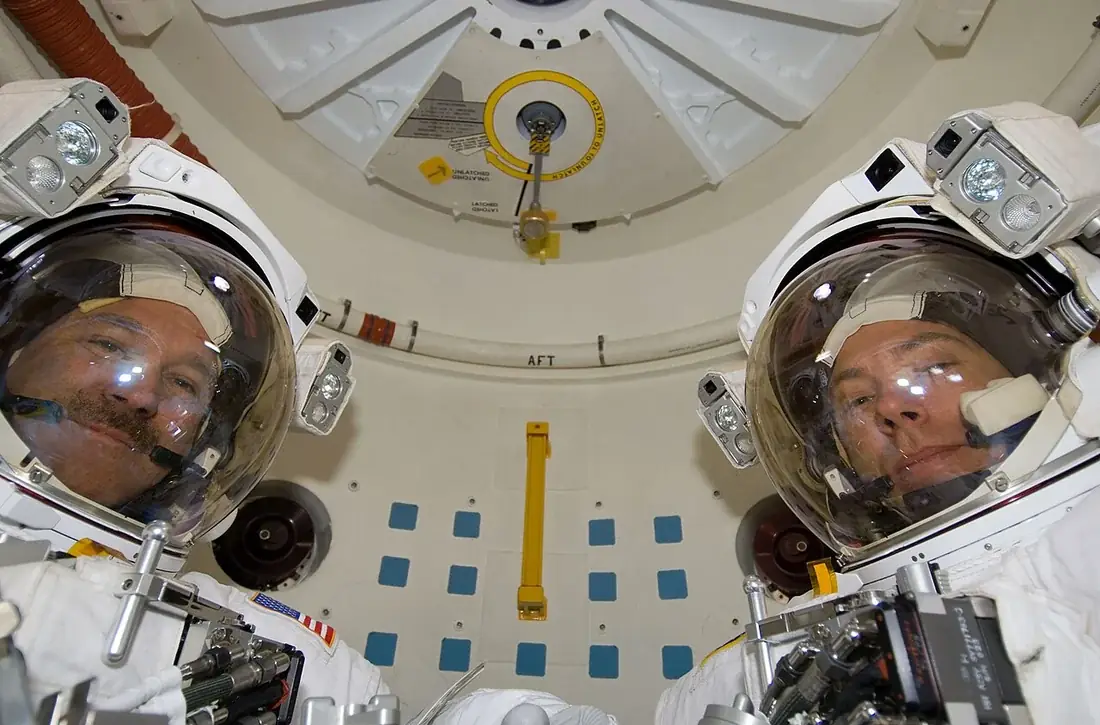
A4 · portrait · Fit page · 4 per page
Page sizeOrientationFitPer pageThe real page sizes, orientations, fit modes and grid densities ImgSera accepts. Change a setting to see the page re-lay out.
-
-
Batch Processing
Queue hundreds of files with live progress, and keep control while they run.
- Live progress Filename, operation, output path, status and space saved for every file.
- Pause and resume Pause mid-run; in-flight files finish first, then the queue holds.
- Cancel safely Stopping keeps everything already completed. Nothing half-written is left behind.
- Retry failed only Re-queue just the failures instead of starting the batch over.
Recorded from the app
ImgSera Batch Processing The real Batch page, with the Live Performance panel tracking CPU, GPU, RAM and VRAM while the queue is open. Runs entirely on your own machine. -
-
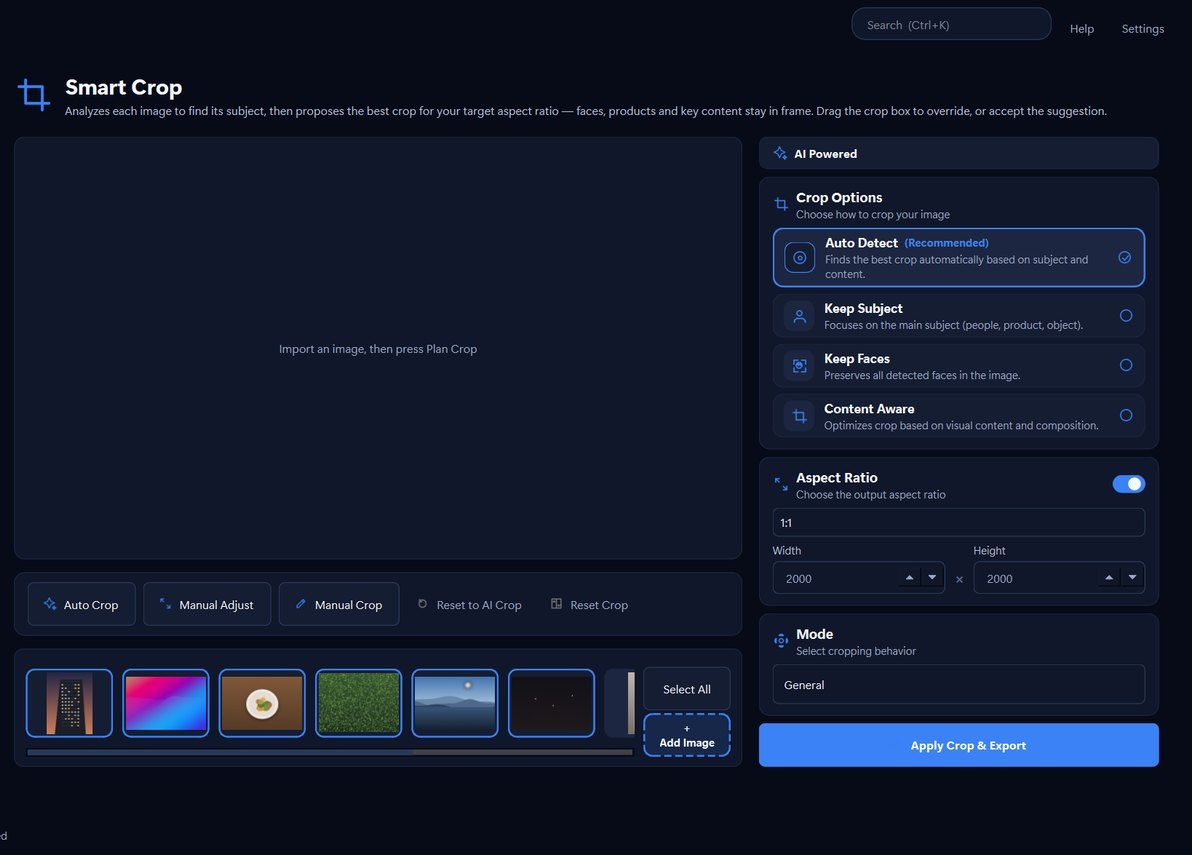
Smart Crop
Crop toward the detected subject, so faces and products stay in frame instead of drifting to the edges.
- Subject-aware framing Detects the subject and biases the crop window toward it.
- Aspect presets Crop to a target ratio while keeping the subject inside the frame.
- Non-destructive Preview the crop before committing; the source file is untouched.
The window it chose
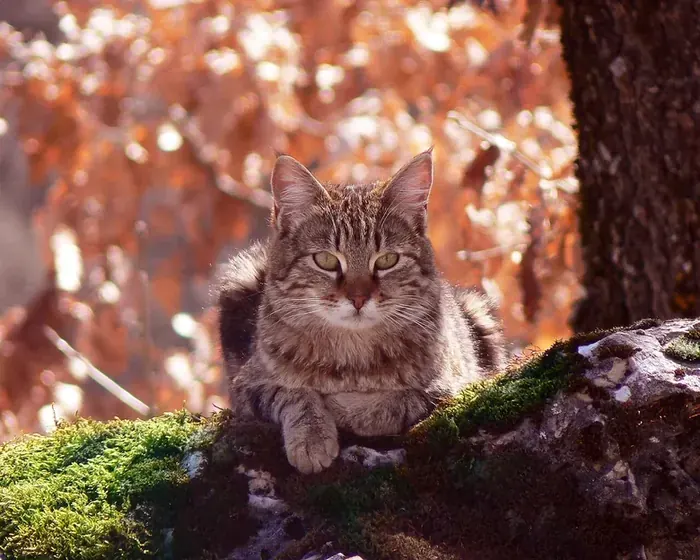
- Detected subject
- Crop ImgSera chose
- Same shape, centred
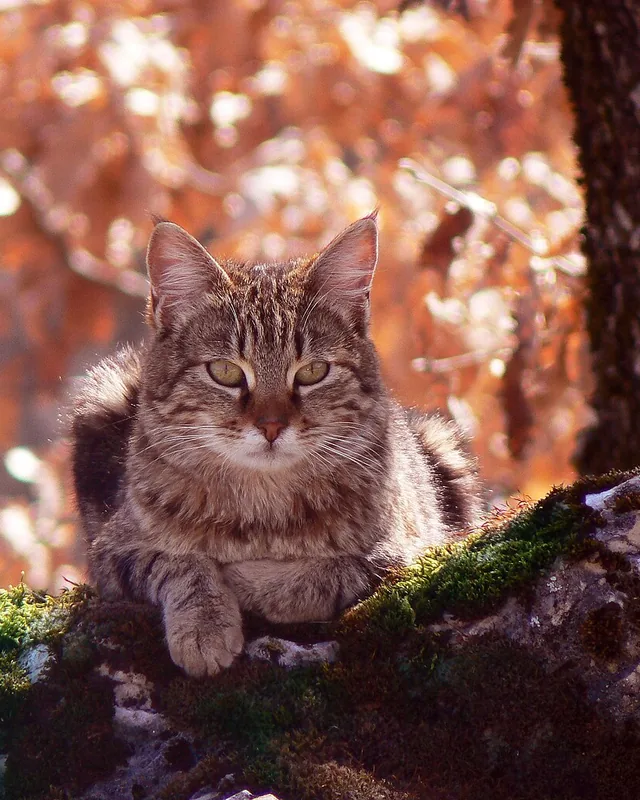
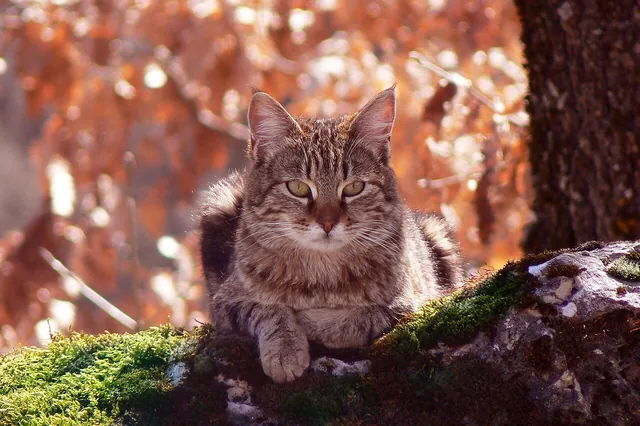
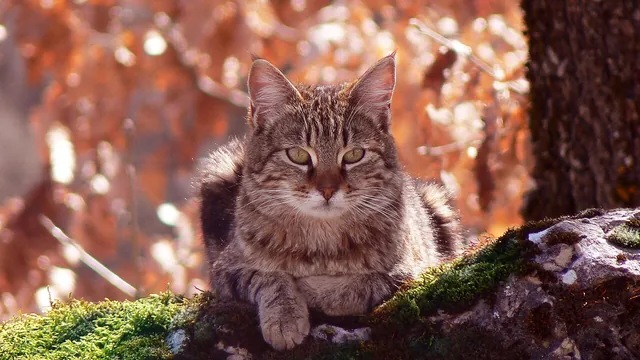
A CC0 photograph. The subject box comes from ImgSera’s own background removal. Source frame 1280×1024, 363 KB on disk.
Aspect ratio
Framing mode
A balanced 12% margin around the subject.
Resulting crop 927×927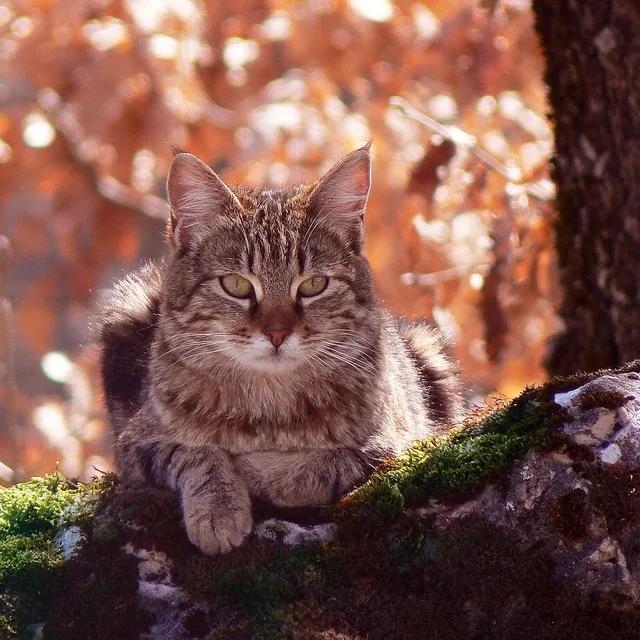
- Keeps
- 65.6%
- Moved off centre
- 78 px right, 15 px down
- Aspect
- 1:1
The solid rectangle is the crop ImgSera computed from its own subject detection; the dashed one is the same shape centred. Both come from ImgSera’s crop planner, and the picture beside them is the real output.
-
-
Image Inspector
Look at an image properly before you change it — format, dimensions, size and embedded metadata in one place.
- Format and dimensions Read the real width, height, colour mode and file size of a selected image.
- Metadata at a glance See EXIF details such as camera, exposure and date without opening another tool.
- Actionable recommendations The Inspector suggests which tool suits the image, such as Smart Crop or compression.
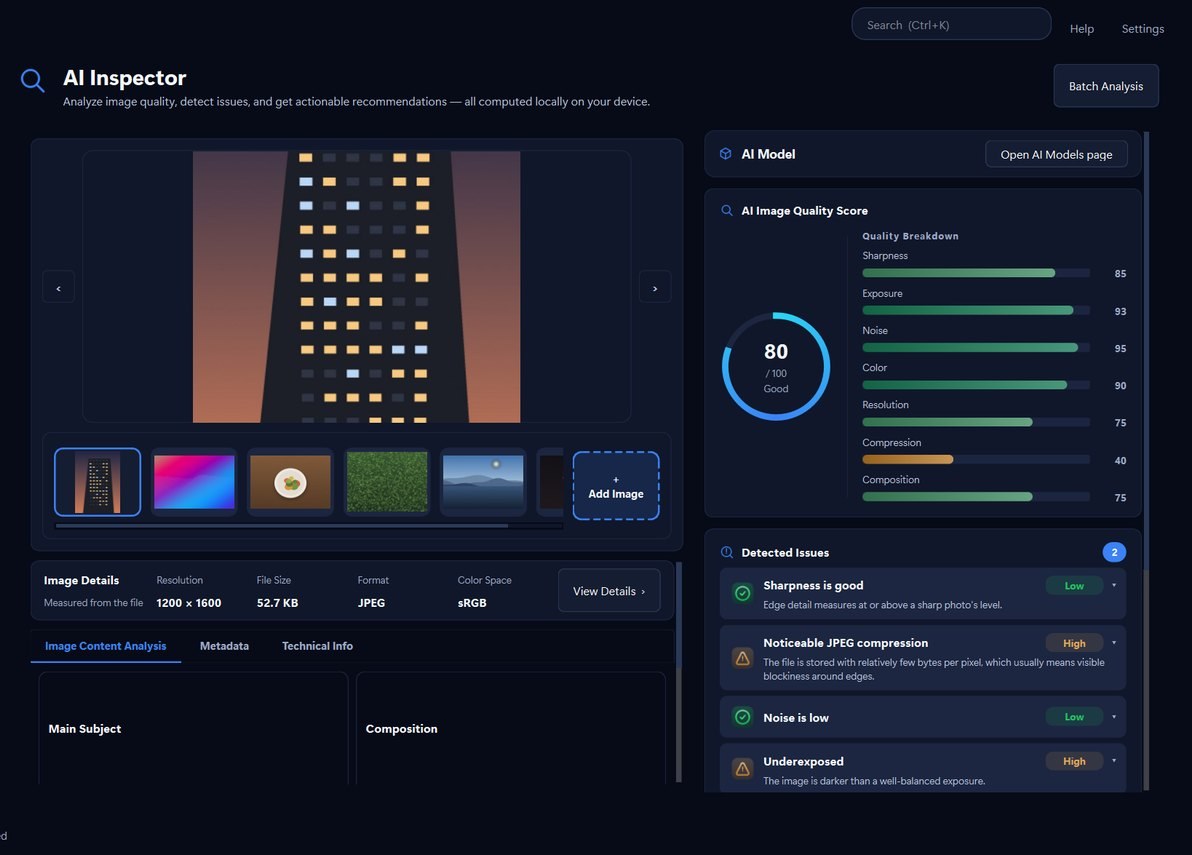
Measured, not estimated
One of the sample photographs bundled with ImgSera. The scores come from the original file, not from this preview.
Food Still Life
80 GoodWhat it found
- WARNING Slightly soft image edges Laplacian variance: 104.0 (sharp ≥ 250)
- GOOD Exposure is balanced Mean luminance: 103
- GOOD Compression looks healthy Compression score 62/100
What it suggests
- Slight softness detected — try AI Enhance
- Background dominates the frame — Smart Crop can tighten it
High-Detail Texture
85 GoodWhat it found
- GOOD Sharpness is good Laplacian variance: 1146.2
- WARNING Noise in darker areas Noise measure: 13.0 (low ≤ 2)
- GOOD Compression looks healthy Compression score 88/100
What it suggests
- Noise detected — AI Denoise recommended
Architecture
83 GoodWhat it found
- GOOD Sharpness is good Laplacian variance: 281.5
- WARNING Noticeable JPEG compression Compression score 40/100 (bits-per-pixel heuristic)
- WARNING Underexposed Mean luminance: 63
What it suggests
- Background dominates the frame — Smart Crop can tighten it
- Heavy compression — consider re-export from source
Portrait Study
71 FairWhat it found
- WARNING Slightly soft image edges Laplacian variance: 2.1 (sharp ≥ 250)
- WARNING Noticeable JPEG compression Compression score 40/100 (bits-per-pixel heuristic)
- GOOD Exposure is balanced Mean luminance: 159
What it suggests
- Slight softness detected — try AI Enhance
- Background dominates the frame — Smart Crop can tighten it
- Heavy compression — consider re-export from source
Product Shot
69 FairWhat it found
- WARNING Slightly soft image edges Laplacian variance: 103.2 (sharp ≥ 250)
- WARNING Noticeable JPEG compression Compression score 40/100 (bits-per-pixel heuristic)
- WARNING Overexposed Mean luminance: 207
What it suggests
- Slight softness detected — try AI Enhance
- Background dominates the frame — Smart Crop can tighten it
- Heavy compression — consider re-export from source
Low-Light Scene
68 FairWhat it found
- WARNING Slightly soft image edges Laplacian variance: 20.9 (sharp ≥ 250)
- WARNING Underexposed Mean luminance: 23 (balanced ≈ 70–185)
- GOOD Noise is low Noise measure: 1.0
What it suggests
- Slight softness detected — try AI Enhance
- Background dominates the frame — Smart Crop can tighten it
Worth knowing: Sharpness is measured on a downscaled copy, so a sharp photograph can still score in the Fair band. The food sample is one: it is in focus, and it scores 55.
Every reading comes from ImgSera’s own quality analysis, run against the sample photographs it ships with. Pick an image and the measurements change.
-
-
Workflows
Chain image operations into a pipeline and run the whole thing in one pass. Build the pipeline visually, or describe what you want in plain language and let Ask Sera draft it.
- Visual pipeline editor Arrange operations in the editor, inspect and adjust each step, then run the pipeline with live monitoring.
- Built-in pipelines Amazon Product, Website Optimized and Product Studio ship ready to run, and stay protected from editing.
- Save your own Build and manage custom workflows that persist between sessions.
- Ask Sera drafts it Describe the result you want; the assistant turns it into a validated pipeline built only from supported operations.
How a pipeline assembles
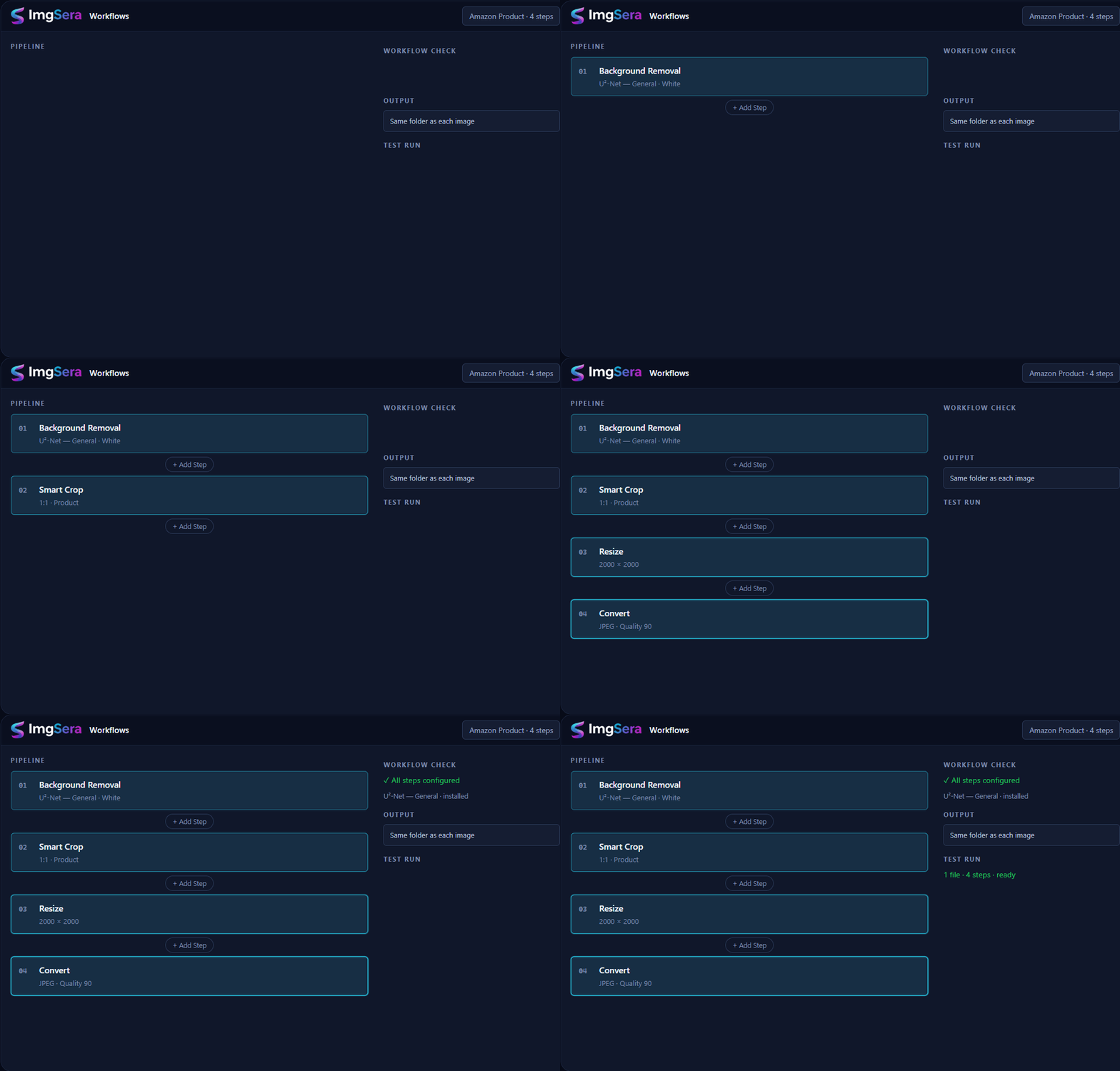
An illustrated mock-up of the pipeline editor — not a screen recording — drawn with the application’s own theme. Amazon Product is one of the built-in pipelines that ships ready to run, unchanged, as shown.
-
-
AI Models & History
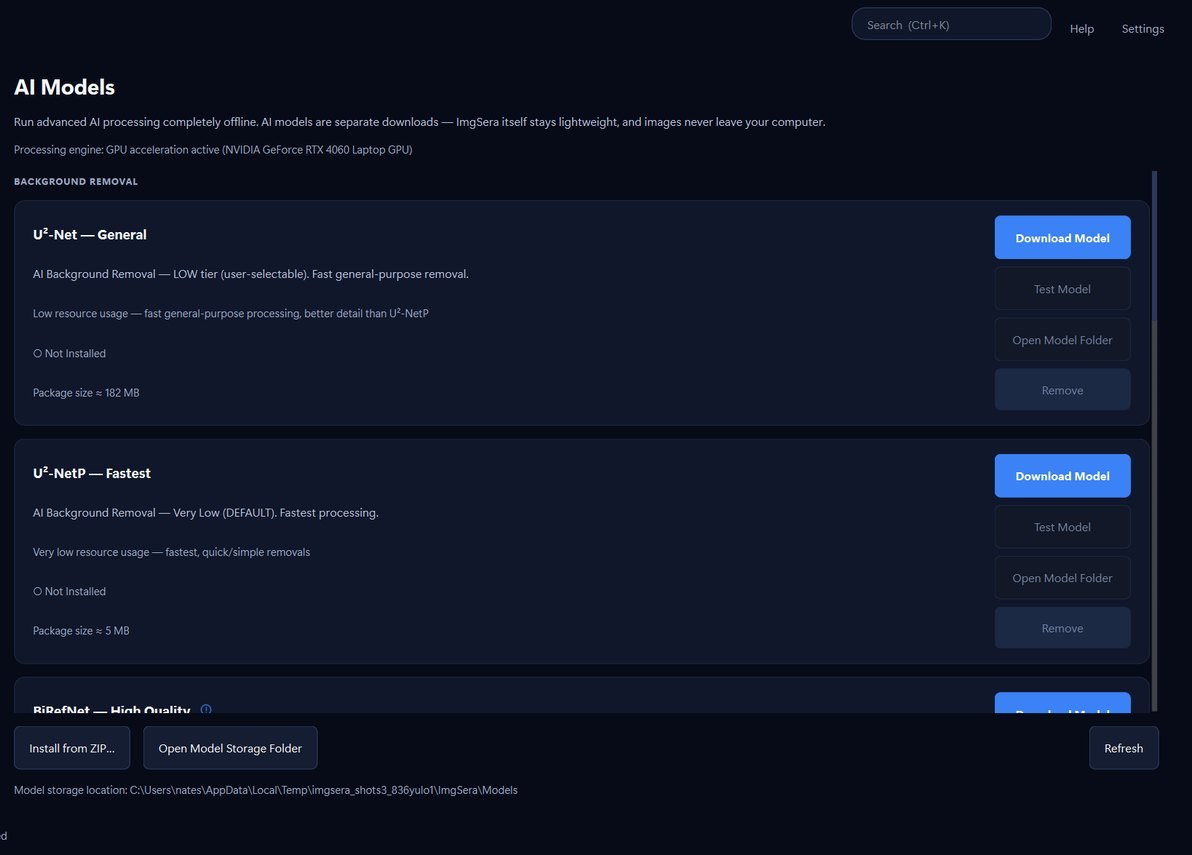
Manage the AI models you use, and keep a local record of the work you have done.
- On-demand models Download or remove models as needed — you are never forced to install weights you will not use.
- Models survive updates Stored outside the application folder, so upgrading never re-downloads them.
- Local history A local log of every batch: when, what, how many files and space saved.
- Clear when you want Wipe the history and thumbnail cache from Settings at any time.
-
Interface
Six built-in themes
The application ships with six interface themes — from the default Midnight Aurora through to Sunset Rose. Follow your system or choose the one that suits the room you are working in.
- Midnight Aurora The default. Deep navy surfaces with a blue accent.
- Pearl White The light theme. Clean, bright surfaces for daylight work.
- Carbon Black True-black background with neutral grey surfaces.
- Arctic Blue Cool blue-teal surfaces with a brighter cyan hover accent.
- Royal Violet Violet accent on a deep purple base.
- Sunset Rose Magenta accent on a warm dark base.
Assistant
Ask Sera
The dashboard includes an Ask Sera field. Describe what you want done with your images in plain language and it is turned into a workflow — assembled only from operations the application supports, then validated before anything runs.
Alongside it, Explore ImgSera offers curated sample images across nature, portraits, products, photos and objects, so you can try the tools before touching your own files.
Ready to prepare your images?
ImgSera runs entirely on your Windows machine — no account, no uploads, no subscription required to get started.
Releases are being finalised. The download page shows the current status honestly.